How to buy an on-premise AI server: four tiers, representative configurations and facility requirements
There is no single answer to "which on-premise AI server should we buy", but there is a clear order in which to work it out. This page sorts what is on the market into four tiers, from a single-GPU workstation to an eight-GPU flagship, and covers what each tier can run, how much power it needs, where it hits a wall, and what triggers a move to the next tier. Every hardware specification follows NVIDIA published data. Prices are deliberately absent, because quotes swing widely with configuration, channel and timing.
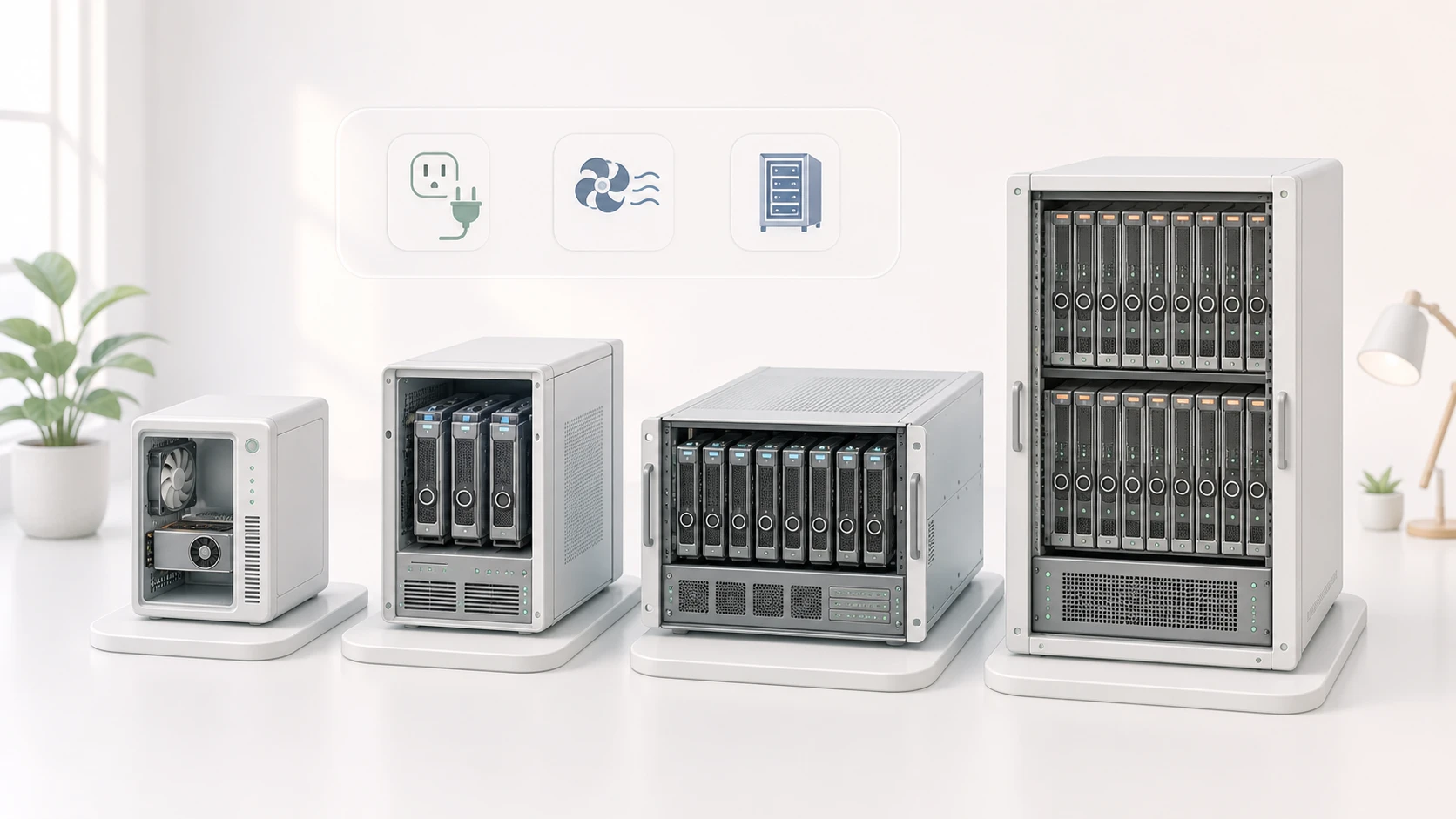
Three things to settle before you look at machines
Hardware specifications are the output of the decision, not its starting point. Write down the three items below before you start looking at machines, and every trade-off further down this page has something to be measured against.
- The model and the precision you will run it at: weights take roughly the parameter count times the bytes per parameter (about 2 bytes at FP16, about 0.5 byte at 4-bit quantization). A 70B model is about 35 GB at 4-bit and about 140 GB at FP16 (decimal GB, before quantization metadata and runtime buffers), and those two numbers call for completely different machines.
- Concurrent users and context length: the KV cache grows with concurrency and context length, and bears no fixed ratio to weight size. Estimated for a GQA architecture like Llama 3 with an FP16 KV cache, a 70B model at 128K context with a batch size of 1 needs about 40 GB of KV cache by itself; a different architecture or a quantized KV cache changes that substantially. Ten people asking short questions and one person pasting an entire contract put very different pressure on memory.
- The power and cooling your facility can supply: the most overlooked item, and the one that stops projects most often. Rack power in an ordinary office server room frequently cannot host a single eight-GPU machine, and discovering that the circuit needs rewiring after delivery adds weeks to the schedule.
The four tiers at a glance
| Tier | Representative configuration | GPUs and total VRAM | GPU power draw | What it runs | Typical use |
|---|---|---|---|---|---|
| Workstation | Single RTX PRO 6000 Blackwell Workstation Edition | 1 x 96 GB GDDR7 | 600W workstation edition, 300W Max-Q | A quantized 70B, or several small and mid-size models side by side | Proof of concept, a single team, a development box |
| Tower and entry rack | 2 to 4 x RTX PRO 6000 Blackwell Server Edition | 4 x 96 GB, 384 GB total | 400W to 600W configurable each, up to about 2.4 kW for four | A 70B-class model with longer context, or several models resident at once | Department-level use shared by tens of people |
| Rack | 8 x H200 (HGX platform) | 8 x 141 GB, 1,128 GB total | Up to 700W per SXM GPU (configurable), up to about 5.6 kW for eight, before CPU and cooling | Several large models in parallel, high-concurrency service | A company-wide inference platform |
| Flagship system | DGX B300 class | 8 x B300, 2.3 TB of aggregate GPU memory | NVIDIA lists 14.5 kW power consumption, 15 kW system maximum | Training alongside large-scale inference | Organizations that train or fine-tune their own models |
Hardware specifications follow NVIDIA's published data and were compiled in August 2026. The same model ships in variants (workstation, server, Max-Q) with different power settings. Total VRAM is the theoretical figure of per-card capacity times card count; usable capacity is lower once framework and system overhead are deducted. Confirm the shipping specification and measured figures with your supplier before purchase. The previous-generation L40S (48 GB, 350W) now shows up mainly in existing fleets and on the secondary market; new purchases have moved to the RTX PRO 6000 Blackwell Server Edition. NVIDIA rates it at up to six times the L40S for inference, a best case that depends on fifth-generation Tensor Cores and FP4 rather than a figure that holds for every model and precision.
Workstation tier: prove this is worth doing first
The value of a single-GPU workstation is not performance. It is that the team can answer "is this model any use on our data" at the lowest possible cost. A single 96 GB card holds a quantized 70B (how much headroom is left depends on the quantization format, context length and KV cache precision), and can keep several smaller models loaded for different departments to try. In most cases it runs off an ordinary office power outlet without touching the server room, though total system draw adds CPU and peripherals on top, so confirm the circuit capacity before ordering.
The signals that you have outgrown it are unambiguous: a second and third department start queuing for access, or someone reports that long documents fail partway through. The first is a concurrency limit, the second is usually the KV cache being consumed by context. Either one means it is time to move up a tier.
Tower and entry rack: the first genuinely shared machine
This is where most companies actually land. Four 96 GB cards add up to 384 GB, but note that this is a sum across four cards rather than one contiguous pool: a single 96 GB card already holds a quantized 70B-class model, and what extra cards mainly buy is concurrency. Whether it serves a department steadily depends on quantization format, context length, KV cache precision and concurrency, not on the total alone. A tower chassis fits in a small server room with its own air conditioning; an entry rack unit goes straight into an existing cabinet.
Note that the published specifications for every RTX PRO 6000 Blackwell edition, Server Edition included, list only a PCIe Gen5 x16 host interface and no NVLink. Card-to-card traffic therefore passes through a PCIe switch or the CPU, at bandwidth and latency far short of NVLink on an SXM platform. When a single model is split across cards, that transfer becomes the bottleneck. The pragmatic pattern is to give each card a complete copy of the model and trade card count for concurrency, not for the size of a single model.
Rack tier: when AI becomes company-wide infrastructure
An eight-way H200 HGX platform totals 1,128 GB of VRAM. It can host several large models at once, carry concurrency across departments, and run a single large model with a very long context. Cards at this tier are interconnected with NVLink, so splitting a model across them costs far less than on a PCIe platform.
The real barrier is the facility. At their maximum power setting, eight cards alone draw about 5.6 kW of GPU power, and once CPU, fans and power conversion losses are added the machine draws more still, beyond what most companies have provisioned per rack. At this tier the electrical and cooling assessment has to run alongside hardware selection, not after delivery.
Flagship systems: most inference workloads never need this tier
A DGX B300 class system puts eight B300 GPUs and 2.3 TB of aggregate GPU memory (host memory is counted separately) behind a listed power consumption of 14.5 kW and a 15 kW system maximum. It is a 10 RU rack-mounted system, not a full rack. Systems at this level support training, fine-tuning and inference alike, but if the requirement is inference only, even company-wide inference, the tier below usually covers it, and the extra budget will not buy a difference anyone notices.
The test is simple: if nobody is training or fine-tuning your own models and nobody plans to, the budget at this tier is usually not well spent, not because these systems cannot serve inference but because the tier below already covers it. Budget spent on data preparation and application development does more for an on-premise AI project, because those are what actually decide whether it succeeds.
Four alternatives that always come up: RTX 5090, DGX Spark, Mac Studio, AMD Instinct
The four tiers above follow the NVIDIA data centre line, but four other platforms come up in almost every real evaluation. What they change is not the performance ranking. It is the trade-off between memory capacity and memory bandwidth, and what the software ecosystem costs you.
| Platform | Memory | Memory bandwidth | Best for | Watch out for |
|---|---|---|---|---|
| GeForce RTX 5090 | 32 GB GDDR7 | 1,792 GB/s | The fastest generation speed on a single card; small and mid-size dense models, and development work | Only 32 GB of capacity; the GeForce software licence does not permit data centre deployment and NVIDIA-branded card warranties exclude commercial clusters; 575W TDP |
| NVIDIA DGX Spark | 128 GB LPDDR5X unified memory | 273 GB/s | A desktop development box with enough capacity to load large MoE models | Bandwidth is about one sixth of the 5090, so generation speed is limited; positioned for development and validation rather than live service |
| Mac Studio (M3 Ultra) | Up to 512 GB unified memory by specification | 819 GB/s | Quiet, low power and roomy; running large MoE models locally | The ecosystem centres on MLX and llama.cpp; vLLM now has an official vLLM-Metal plugin, though its coverage is still narrower than the CUDA build, and the CUDA toolchain itself does not apply at all. Check the current Apple store for the memory configurations actually orderable |
| AMD Instinct MI355X | 288 GB HBM3E | 8 TB/s | Both capacity and bandwidth exceed contemporary data centre cards; large models at high concurrency | The software stack is ROCm rather than CUDA, so framework and model support has to be checked item by item; 1,400W TDP and direct liquid cooling required |
Specifications follow each vendor's published data and were compiled in August 2026. The previous-generation AMD Instinct MI325X offers 256 GB HBM3E at 6 TB/s with a 1,000W TDP; on a longer procurement timeline it is worth quoting both generations.
Capacity decides whether it fits; bandwidth decides how fast it runs
The gap between the second and third columns is the part worth studying. Whether a model loads at all is a question of memory capacity; how many tokens per second it then produces is, during decoding, governed largely by memory bandwidth. The 128 GB of a DGX Spark and the 512 GB of a Mac Studio both hold models a 5090 cannot, but at 273 GB/s and 819 GB/s against the 5090 at 1,792 GB/s, the same model generates noticeably more slowly.
That makes the roles clear. A high-capacity, low-bandwidth platform is right for answering "is this large model good enough on our data"; once several users need it live at once, you are back to high-bandwidth data centre cards. Conversely the 5090 has excellent bandwidth, but 32 GB of capacity confines the choice to small and mid-size models or heavily quantized versions.
MoE or dense decides whether unified memory suits you
The bandwidth conclusion above carries one crucial precondition: which architecture you intend to run. What follows concerns the decoding phase, the token-by-token generation that is typically memory-bound. The prefill phase that processes input is highly parallel and usually compute-bound instead, so a long-input short-output workload does not follow the reasoning below. Back to decoding: a dense model reads its entire set of weights out of memory for every token, so speed is bound almost directly to bandwidth. A mixture-of-experts (MoE) model splits its parameters across many experts and activates only a small subset per token, so the volume that has to be read is far smaller than the model itself.
| Model | Architecture | Total parameters | Active per token | Pressure on memory bandwidth |
|---|---|---|---|---|
| Gemma 4 31B | dense | about 31B | All of them | High, on the order of the full parameter count |
| Gemma 4 26B-A4B | MoE | about 26B | about 4B | Low, about one sixth of the total |
| Qwen3-235B-A22B | MoE | about 235B | about 22B | Low, about one tenth of the total |
| DeepSeek R1 | MoE | about 671B | about 37B | Low, about one eighteenth of the total |
Gemma 4 ships both a 31B dense and a 26B-A4B variant. The totals are close, but the volume read per token differs several-fold, which makes them the cleanest possible comparison. Model details follow each project’s published information and were compiled in August 2026.
This is exactly the sweet spot for unified memory. The Mac Studio and DGX Spark are large in capacity and modest in bandwidth, which matches the shape of an MoE model: the whole model still has to fit in memory (few active parameters does not mean a small footprint), but only a fraction of it is read per token, so the low-bandwidth penalty is much smaller. Note that this advantage is clearest at low batch sizes where latency matters; raising the batch size reuses weights, arithmetic intensity goes up, and bandwidth stops being the only bottleneck. Qwen3-235B-A22B is about 142 GB as an official Q4_K_M GGUF, which fits a Mac Studio of 256 GB or more with room left for the KV cache, though how much room depends on context length, cache precision and concurrency.
The reverse also holds: a dense model on a unified-memory machine is held back by bandwidth. The capacity is there, but every token reads the full set of weights, so generation simply cannot go fast. If you need a dense 70B-class model and care about response time, the answer is a high-bandwidth GPU, not high-capacity unified memory.
So settle one thing before looking at any of these platforms: are you running MoE or dense. For large MoE models like DeepSeek or Qwen3, unified memory is a genuinely good-value route. For dense models like Gemma, where throughput matters, go back to the four GPU tiers above.
Count the licensing and ecosystem cost as well
Three of these platforms carry a constraint that never appears on a spec sheet but decides feasibility directly. The RTX 5090 is a consumer product: the NVIDIA GeForce software licence does not permit data centre deployment, and NVIDIA-branded card warranties exclude data centre and commercial GPU cluster use, while add-in-board vendors set their own terms. That limits its role in production service. The Mac Studio issue is not hardware but ecosystem: the CUDA toolchain does not apply at all, so in practice the path runs through MLX or llama.cpp. vLLM now has an officially maintained vLLM-Metal plugin that runs on Apple Silicon, though its model and feature coverage is still narrower than the CUDA build; TGI has no Metal support and Hugging Face archived the project in March 2026. Judge by whether the models you actually intend to use are on the support list. AMD Instinct hardware is genuinely competitive, at the cost of a ROCm software stack end to end, which means confirming before purchase that the inference framework, quantization format and models you intend to use are all supported.
When weighing these four, break the question into three parts and answer them in order: does it fit, is it fast enough, and how much work does the software ecosystem cost. The first two can be settled from a spec sheet. The third is what actually determines the project timeline.
One card or many: when adding GPUs helps and when it does not
Adding cards is not a universal fix. How the cards are connected decides whether they can act as one larger machine. NVIDIA NVLink 5 provides up to 1.8 TB/s of bidirectional bandwidth per GPU, while PCIe 5.0 x16 offers a theoretical 128 GB/s bidirectional, a gap of roughly 14 times.
That gap draws the line between two patterns. Splitting a model too large for one card across several (tensor parallelism) means the cards exchange intermediate results constantly, PCIe bandwidth becomes the bottleneck, and an NVLink platform earns its price. Conversely, if the model already fits on one card and you simply have too many users, running a full copy of the model per card behind a load balancer is usually more efficient than splitting, and costs nothing extra in interconnect.
So the order is: first ask whether the model fits on one card. If it does, extra cards buy concurrency and PCIe is enough. If it does not, extra cards buy capacity, and only then does NVLink deserve serious evaluation.
Facility checklist: seven things to confirm before you order
On-premise AI projects are delayed less often by the wrong model than by a machine that arrives and cannot go live. Clearing these seven items before ordering saves the most expensive kind of waiting.
- Rack power: how many kW the existing circuit supplies, whether a dedicated circuit has to be run, and whether socket types match what the machine expects.
- Cooling capacity: whether the room air conditioning absorbs the added heat load, and whether airflow direction matches the front-to-back layout of the cabinet.
- Rack depth and load rating: GPU servers are usually deeper and heavier than ordinary servers, and an existing cabinet may not take them.
- Uninterruptible power: whether UPS capacity covers the added load, and which services take priority during an outage.
- Network bandwidth: whether the path from users to the server, and the route used to move models and data, are adequate.
- Spares and warranty: how quickly replacement parts arrive after a failure, whether the warranty is from the manufacturer, and whether on-site service is included.
- Operations staffing: who updates drivers and firmware, who watches temperature and health, and who handles an alert at three in the morning.
Build your own, buy a server, or buy an AI appliance: three ways to get there
The same hardware specification can be obtained three ways. What differs is who carries the integration and operations burden.
Building your own has the lowest hardware cost, paid for with compatibility testing and firmware and driver maintenance you carry yourself, plus warranties spread across suppliers who can point at each other when something breaks. Suited to teams that already operate servers.
Buying a server means taking a validated model from a server vendor, which gives one point of contact for hardware compatibility and warranty, while the inference engine, model management and access auditing above the operating system remain yours to build. This is the most common route today.
An appliance delivers hardware, inference engine and management software together at the highest unit price, in exchange for a single line of responsibility from installation through operations, and for not spending months working out the software stack. Suited to companies deploying in earnest without a dedicated AI infrastructure team.
QubicX: hardware, inference engine and management delivered together
QubicX is an appliance in the sense above. LargitData sizes the hardware from the models and concurrency a company actually needs, and delivers it with pre-optimized GPU hardware, a preloaded Traditional Chinese optimized model, enterprise access management and audit logging, and a built-in knowledge base RAG engine, with a Taiwan-based team supporting everything from installation through day-to-day operations.
If you are still working out which tier you need, we can run a sizing calculation and a measured validation against your actual models and concurrency first, and leave the appliance decision until after that.
Further Reading
- GPU server vs cloud API: choosing enterprise AI infrastructure: settle whether to buy hardware at all; that page carries the full break-even calculation.
- On-Premise AI Solutions Overview and Comparison — Complete Enterprise Deployment Guide: once the machine is decided, which software stack runs on it.
- MLX inference framework benchmark: running large models on Apple Silicon: if you take the Mac route, the measured data on framework choice and memory configuration is here.
FAQ
Want a server specification sized to your own workload?
Tell us the models you plan to run, the number of users you expect and the constraints of your facility, and we will turn those into a concrete hardware configuration and a validation plan you can measure against.
Contact Us Learn About QubicX